
Online Designer


What is Online Designer?
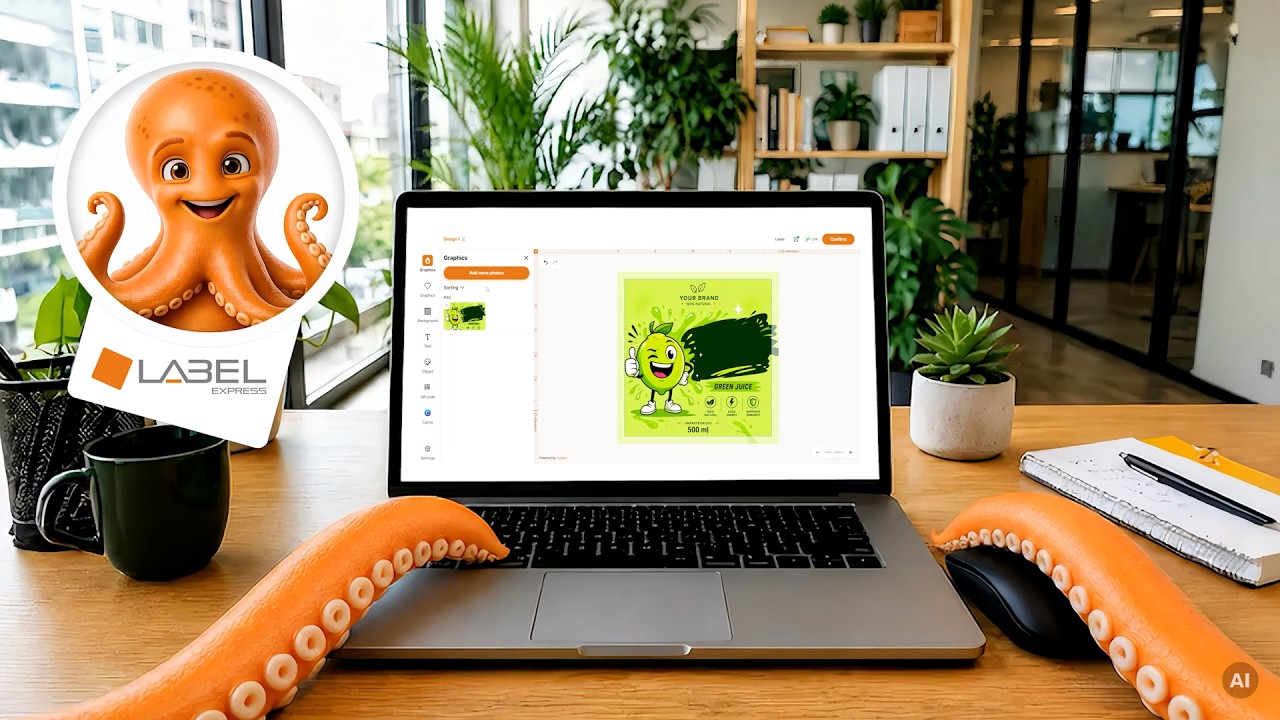
LabelExpress’s Online Designer is a free tool that lets you create labels online on your own, without needing to use professional graphics software. Thanks to its intuitive interface, you can design a label tailored to your specific needs.
It’s a convenient solution for those who want to quickly move from an idea to a finished order. Everything happens in one place – from product configuration to checkout.
What are the benefits of creating labels online in Designer?
-
 Free online design Using the designer is completely free and available 24/7.
 -
Intuitive interface The designer includes instructional content to help you learn about the available features.
-
Designing stickers and labels With the designer, you can create labels and stickers in your chosen format and shape.
How do I order labels using the Online Designer?
Select your options
Choose the material, size, shape, and quantity for your label

Go to the designer
Click the "Add to cart; create in designer" button and then "Go to editor".
Design your label
Add text, graphics, a QR code, or upload your own design
Place your order
Save your design and proceed to checkout
Designing in Online Designer or placing a standard order?
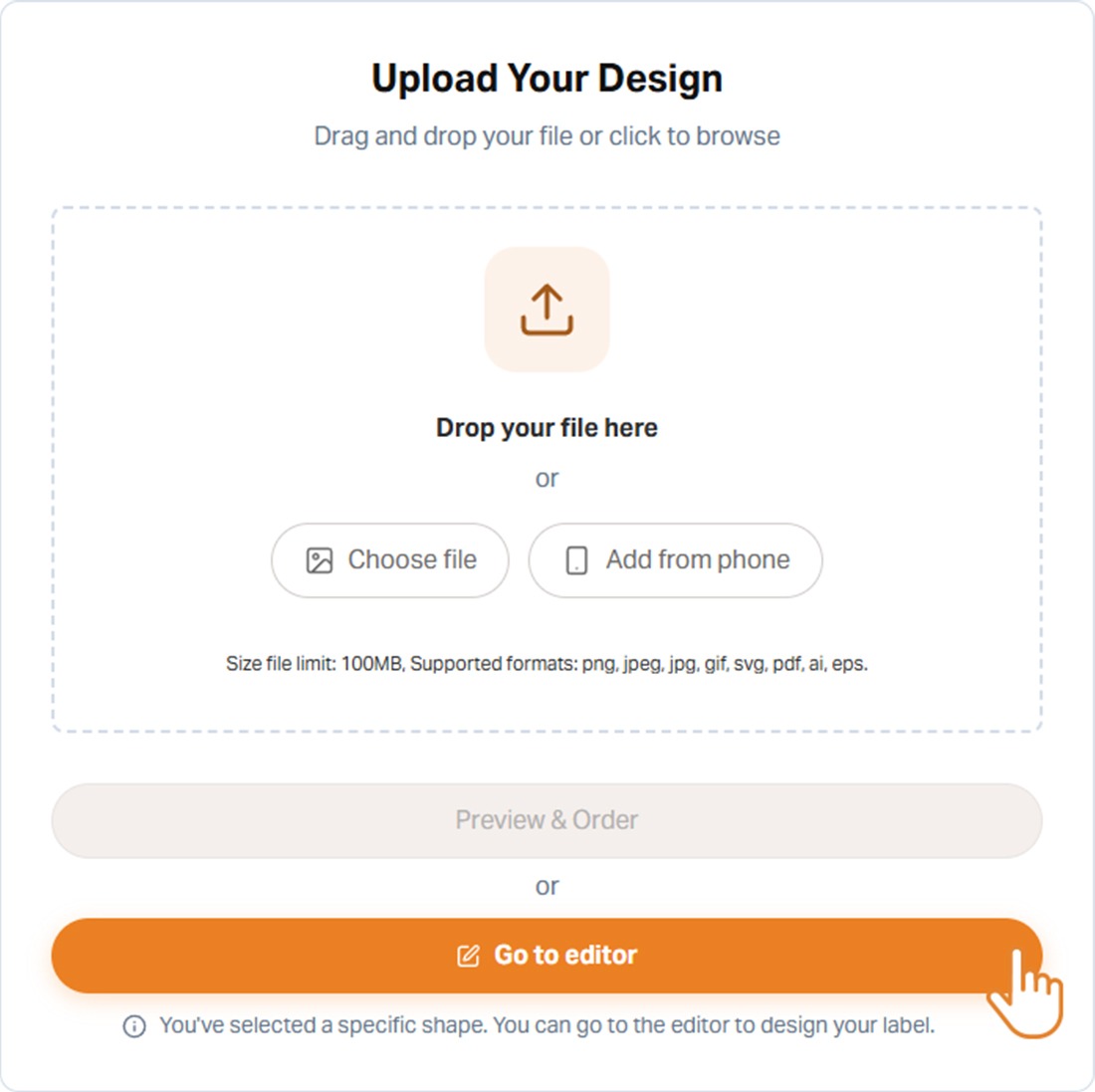
After selecting the material, size, shape, and other parameters, you can decide whether you want to start creating labels online using the Online Designer or if you prefer to place your order without using it. Simply select the relevant button to add the product to your basket and, in the next step, proceed to the editor. Please note that you will not be able to design the graphics in the Designer at a later stage of the order.
The Online Designer is available for all materials in our range; however, it is not possible to create designs that include special embellishments using this tool.
The label design displayed in the Online Designer is usually enlarged to make it easier to work on the layout. In practice, this means that even small labels may appear much larger on screen. Please note that your order will be produced in the actual size specified in the order, so please ensure that all elements will be legible once printed. This applies in particular to small text, icons, lines and graphic details.
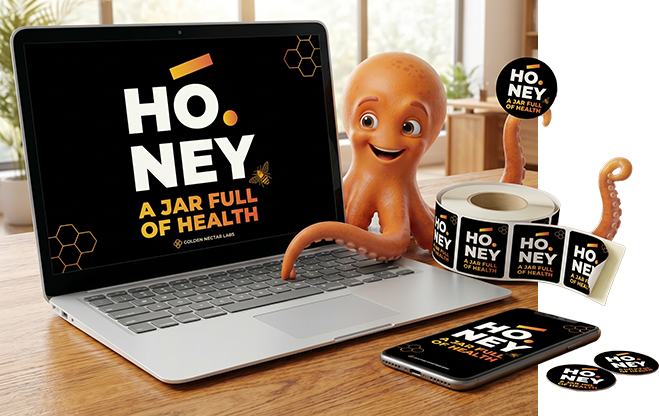

When you switch to the Designer, you’ll see clear instructions
that guide you step by step through the entire design process.

During the design process, a single label is displayed along
with cut lines. This helps prevent errors when preparing the file.

You can design labels from scratch or upload a ready-made file.
Designer allows you to add text, graphics, backgrounds, and QR codes.
What kinds of labels can you design in the Online Designer?
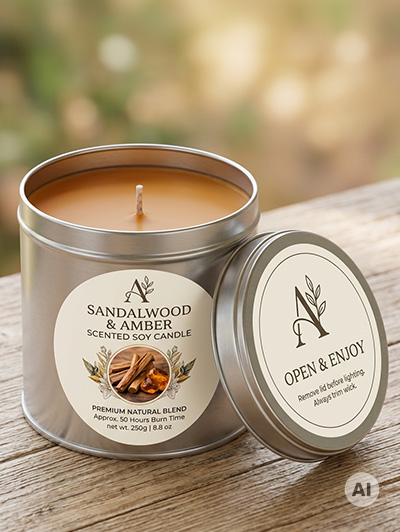
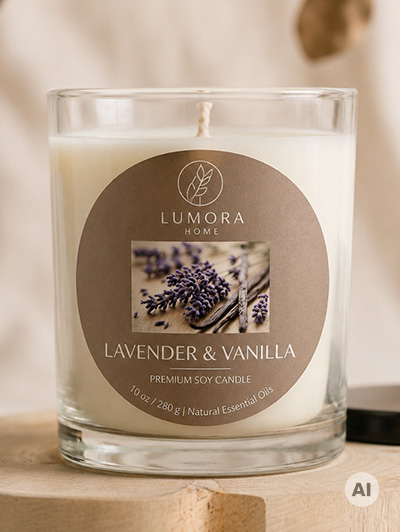
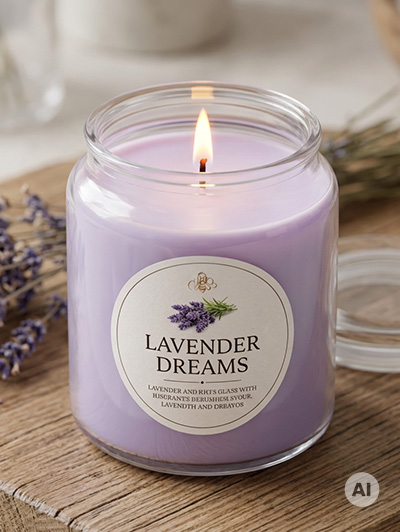
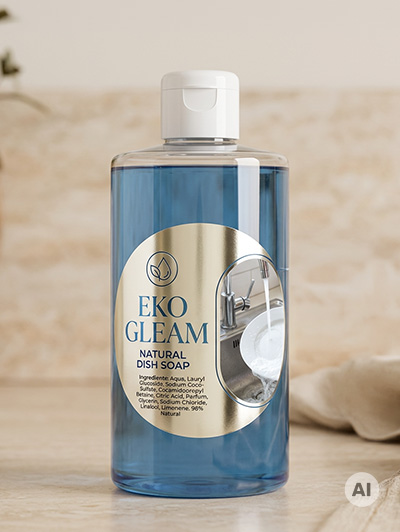
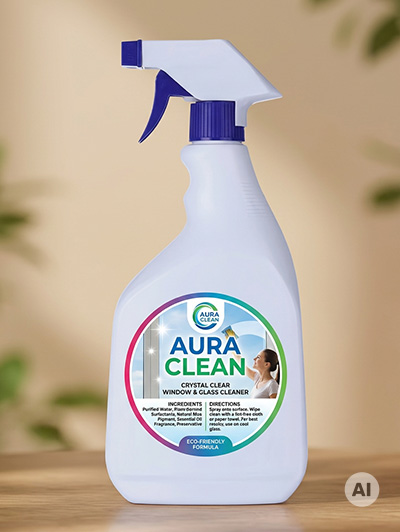
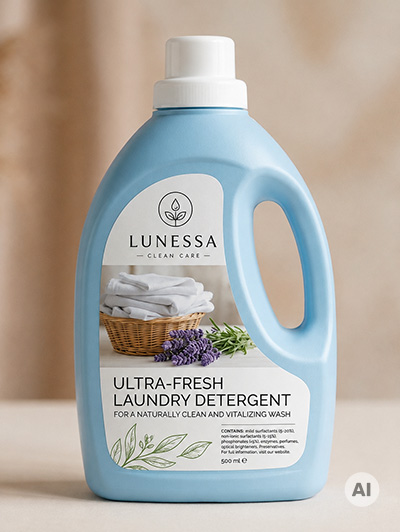
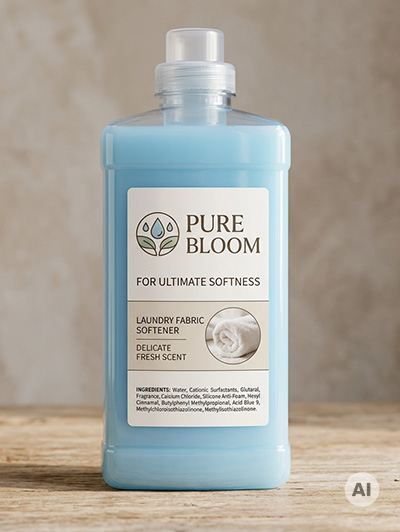
The Online Designer at LabelExpress offers a wide range of customisation options. You can create classic product labels, promotional labels and stickers cut to rectangular, square, round or oval shapes.
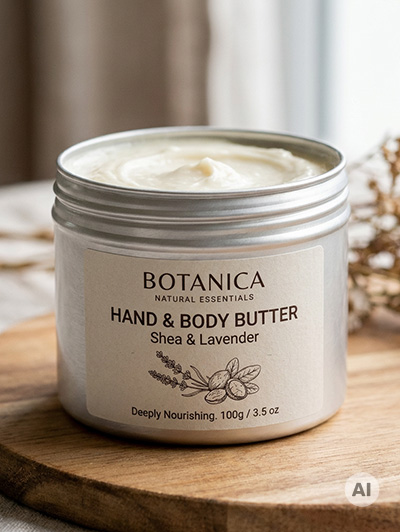
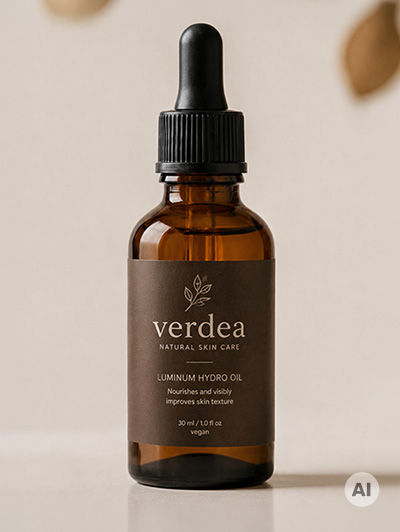
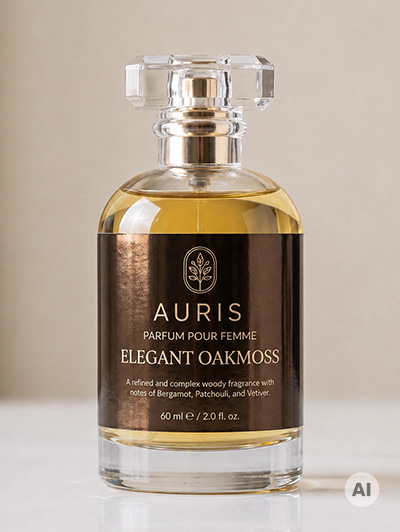
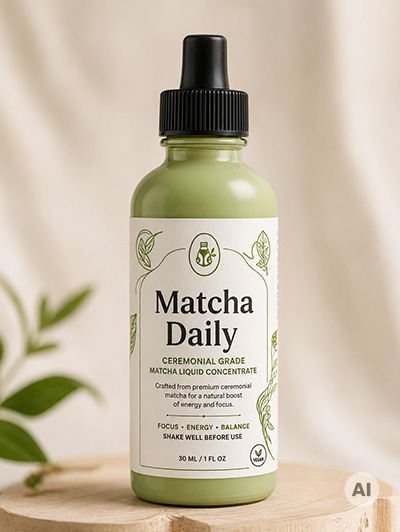
Get inspired
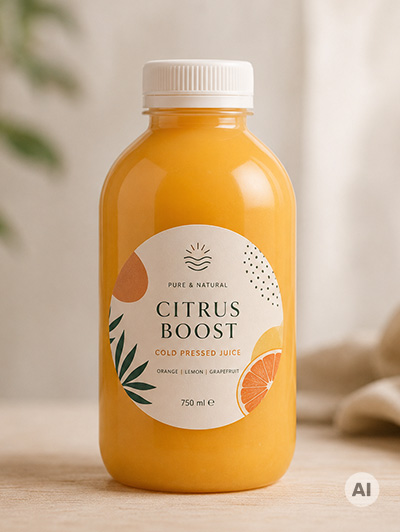
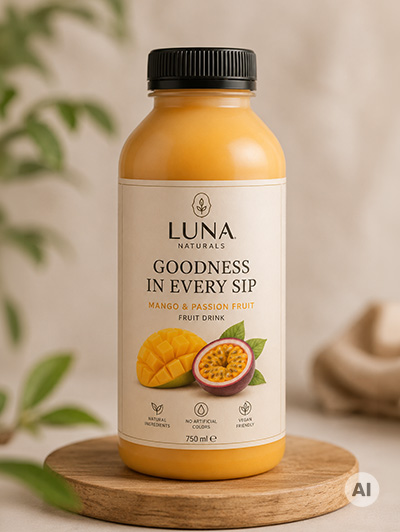
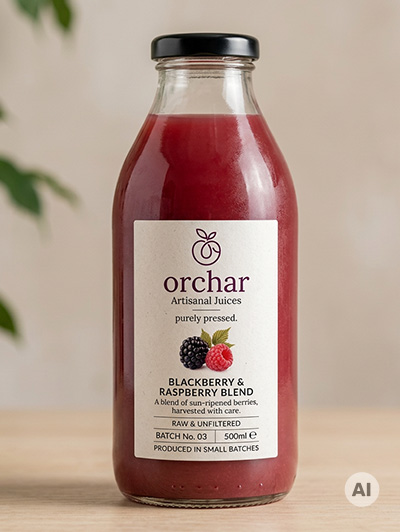
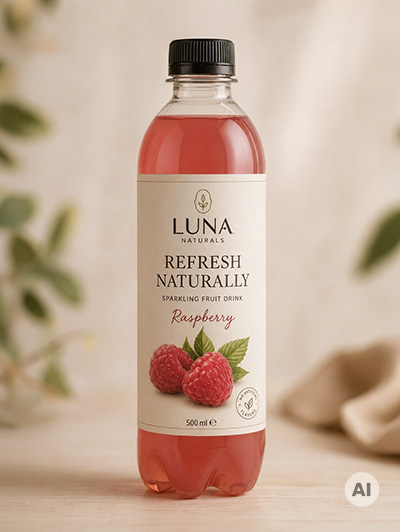
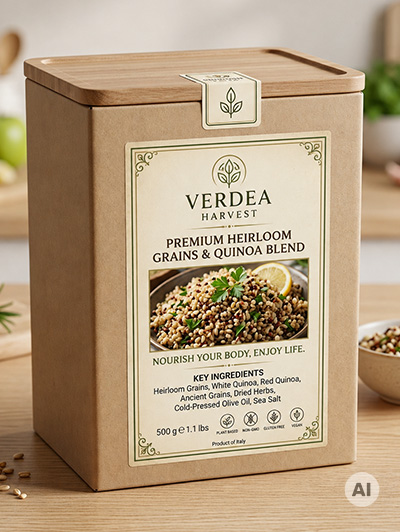
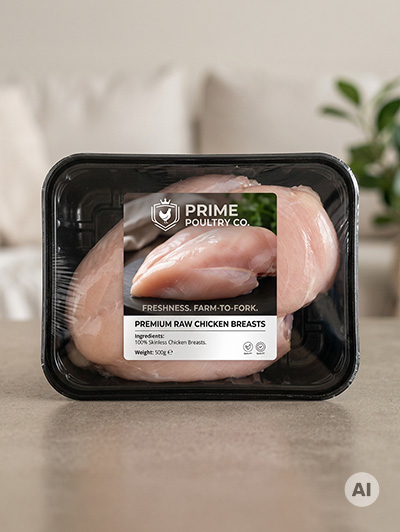
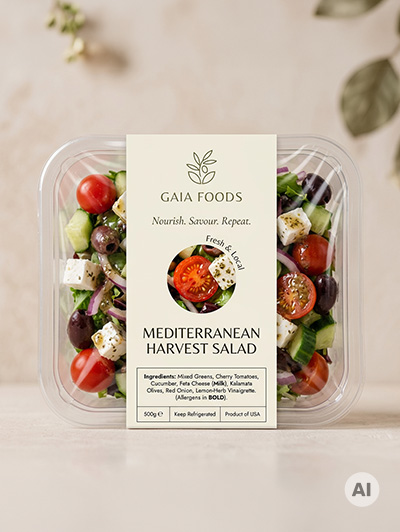
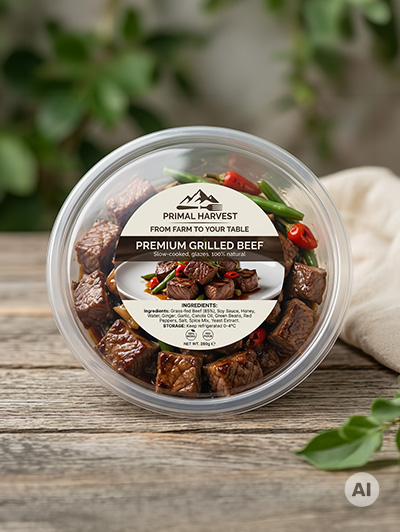


Would you like to design
your own label?
Configure your label and create your design directly in the online designer
